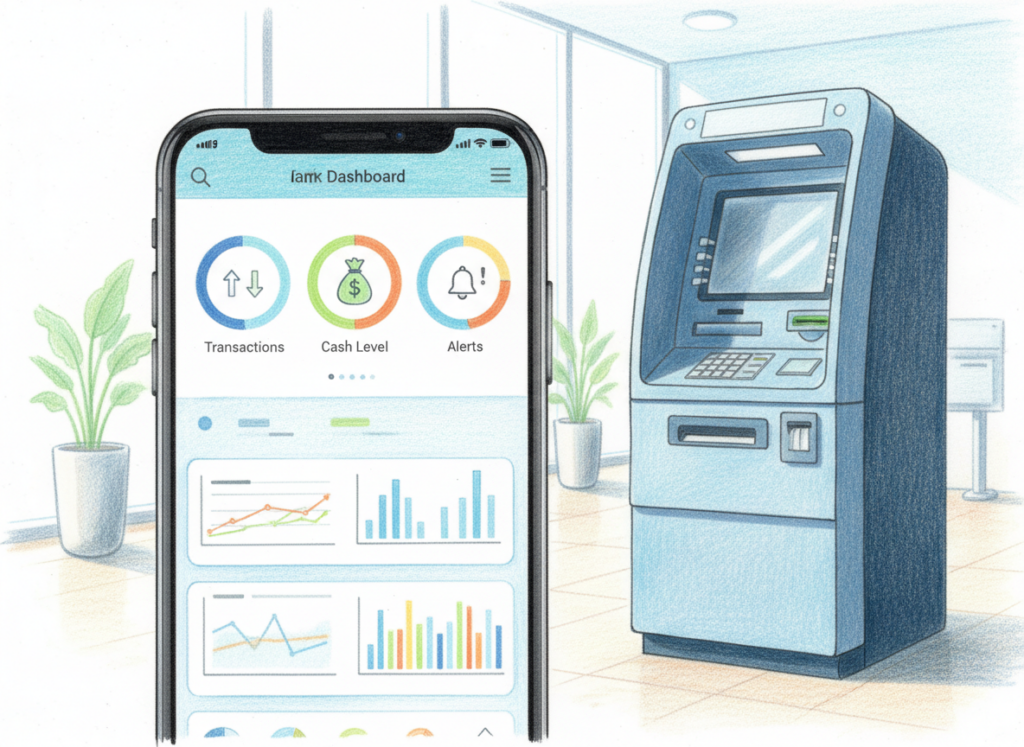
One of the best parts of running an ATM business today is that you can track your machine from an app. With Greenpoint ATMs, our processing partners have access to an app that shows your ATM activity and more.
But the real value is knowing what to look at and what the numbers are telling you.
1. Withdrawals (Transactions)
This is how many times people used your ATM.
- What it means: this is the clearest sign of location quality.
- What to look for: steady weekly use is good. A sudden drop can mean the ATM is empty, moved, blocked, or the store got slower.
2. Surcharge Revenue
This is the income from the fee you set.
- What it means: your revenue is tied to both your fee and your transaction count.
- What to look for: if you raise the fee and withdrawals fall, your price may be too high for that location.
3. Cash Levels / Low Cash
This shows how close you are to running out.
- What it means: if you run out of cash, your ATM stops making money.
- What to look for: refill before “low cash” becomes “out of cash.” Low cash is a warning, not a goal.
4. Errors and Communication Issues
The app shows errors when the ATM cannot complete a transaction.
- What it means: common issues are things like communication errors or cash handling issues (like bill jams).
- What to look for: repeated errors are a red flag. If the same issue shows up often, it needs service fast.
5. Declines
A decline means the transaction did not go through.
- What it means: declines can happen for many reasons, including bank declines or connection problems.
- What to look for: a few declines are normal. A spike in declines can mean a network problem or a machine issue.
6. Trends (Week to Week / Month to Month)
The app let you compare time periods.
- What it means: trends show if the location is growing, stable, or slipping.
- What to look for: big changes often come from store traffic, season, local events, or a new ATM nearby.
Quick Start Checklist:
- Check withdrawals weekly
- Watch surcharge revenue trends
- Refill before low cash becomes out of cash
- Look for repeated errors (not one-time issues)
- Watch for spikes in declines
- Compare this month to last month
Follow us on Facebook and Instagram