A clean ATM works better and looks more professional. Dirt and dust can also cause problems over time. A simple cleaning routine helps you avoid issues and keeps business owners happy.
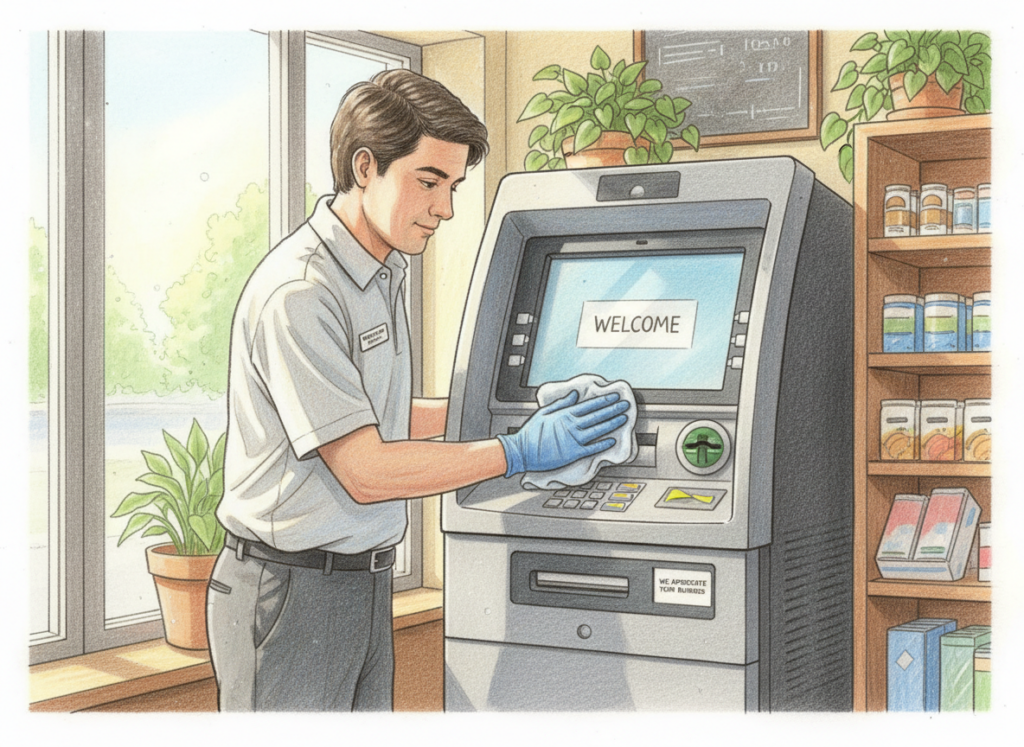
What to clean (and why it matters)
1. Screen and keypad
- Keeps the ATM looking professional
- Helps customers feel comfortable using it
2. Card reader area
- Dust can cause card read issues
- A clean reader helps reduce errors
3. Receipt area (if your ATM prints receipts)
- Paper dust can build up
- Jams can happen if it gets dirty
4. The area around the ATM
- A clean space makes the ATM easier to see
- Less clutter helps customers use it faster
How often should you clean it?
- Light traffic: once a month
- Busy locations: every 2 weeks
- If the ATM is in a dusty place: clean it more often
Simple cleaning rules
- Use a soft cloth
- Do not spray liquid directly on the ATM
- Keep liquids away from openings
- If you are unsure, ask your support team first
Quick Start Checklist:
- Wipe screen and keypad
- Clean around the card reader
- Check receipt area (if needed)
- Keep the area around the ATM clean
- Set a cleaning schedule
Follow us on Facebook and Instagram